Appointment Booking & Management
Request intake, availability checking, staff approval, calendar scheduling and automated customer notifications — online or offline meetings, without the message chain.
01Overview
An appointment system that takes booking requests, checks real availability, routes staff approval, schedules the calendar and keeps the customer informed automatically — online or offline meetings, without the message chain.
02Context
Built as a portfolio system to demonstrate an automated appointment workflow for businesses that handle bookings through forms or messaging. The system connects availability checking, staff approval, calendar scheduling and customer notifications so the team does not have to manage every booking manually.
03Problem
Appointments were arranged by hand: dates proposed one message at a time, availability checked manually, calendar entries added by someone, and confirmations or rejections typed out every time.
- Booking request
- Manual availability check
- Back-and-forth messages
- Manual calendar entry
- Manual confirmation
- Missed or double-booked slots
- Booking form / WhatsApp
- Availability check
- Staff approval
- Calendar scheduling
- Automated confirmation
04System — step by step
The customer picks a time that suits them.
A simple form (or WhatsApp conversation) captures the request and lets the customer choose from available dates and times — the first step happens without anyone's involvement.
- Booking form
- Available dates & times
- Online or offline meetings
The request reaches the right person.
The request is sent to the team instantly, so nothing waits in an inbox or a missed chat.
- Instant notification
- Request received with all details
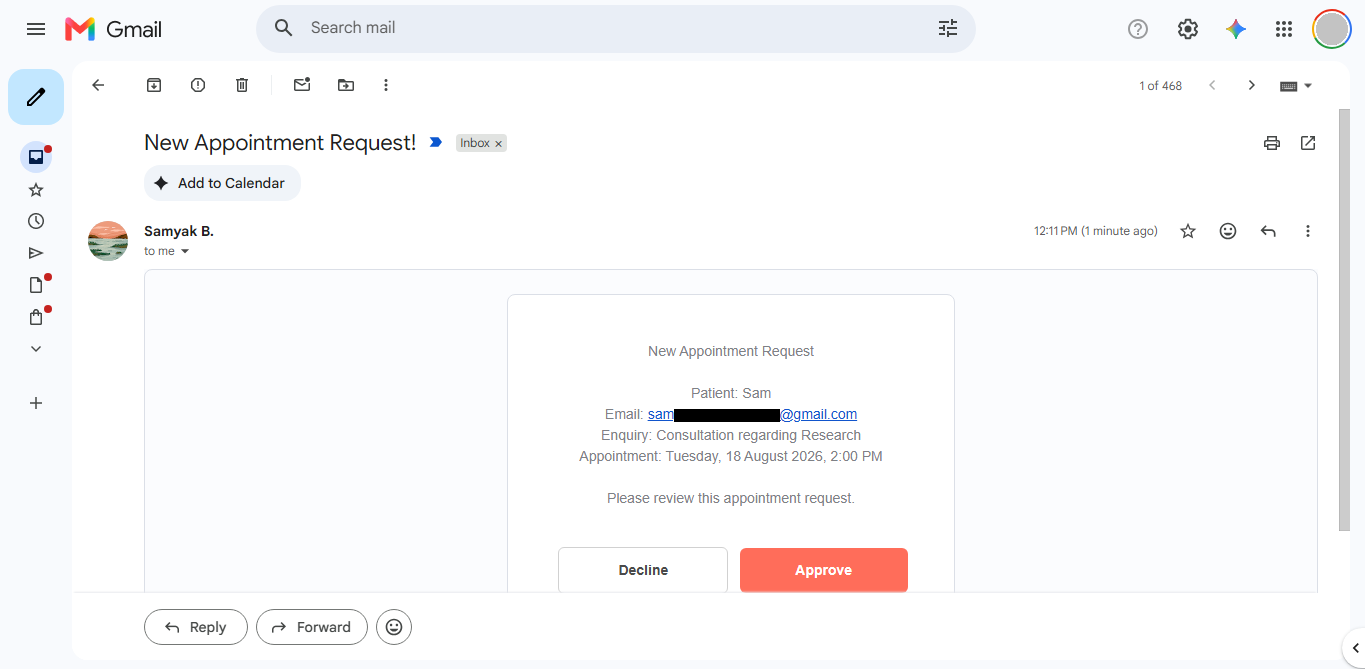
Approval or rejection, handled cleanly.
Staff approve or reject the slot. Either way the customer is informed automatically — no manual messages.
- Staff approval
- Rejection path
- Automatic customer notification
The calendar updates itself.
Once approved, the meeting is scheduled in the calendar automatically, keeping availability accurate for the next customer.
- Calendar event created
- Availability stays current
Confirmation without lifting a finger.
The customer receives their confirmation with the appointment details — the process ends the way it started, automatically.
- Automated confirmation
- Consistent experience
05System architecture
06Result
A booking flow where the customer self-serves and the team only approves.
07Reflection
This project helped me understand that good automation does not remove people from every decision. The useful approach is to automate the repetitive steps while keeping the human approval point where it actually matters.